








With the latest rendition of the iPad mini being made available to the public earlier this month, the question was raised about how iPads have become deeply integrated with many organizations.
From a consumer device to an essential business tool
Apple introduced us to the iPad back in 2010, and back then, it was marketed as a device meant for entertainment, watching movies, along with some light work such as reading documents and opening Excel spreadsheets. Fast forward to 2026, the iPad has become much more than what it was initially marketed for.
During this period, the iPad gradually received significant improvements to performance and battery life, with some current models comparable to high-end laptops. This made the device suitable for a very wide range of applications.
Along with iPads now handling more creative workflows such as heavy image and video editing, illustrations, music production, and even 3D visualizations, iPads have also evolved to become an essential business tool.
One characteristic that the iPad has gradually evolved into is being versatile. Almost any business will have multiple use cases for an iPad in 2026, including restaurants, hotels, healthcare providers, offices, retail outlets, warehouses, manufacturing plants, construction sites, and much more.
For example, hotels can use an iPad as a visitor management system, including room service requests and controls for smart room accessories.
On the other hand, warehouses and manufacturing facilities can use an iPad for scanning inventory, monitoring production outputs, performing quality inspections, and much more.
The iPad is now also being used for POS (point-of-sale) systems in several businesses. For example, if a business has a large electronics store, the sales team can carry an iPad for payment and billing instead of asking the person to visit a billing counter. Several Apple Stores across the world are already doing this.
In 2016, Punit Renjen, who was the CEO of Deloitte Global back then said, “We know that iOS is the best mobile platform for business because we’ve experienced the benefit ourselves with over 100,000 iOS devices in use by Deloitte’s workforce, running 75 custom apps,” “Our dedicated Apple practice will give global businesses the expertise and resources they need to empower their mobile workforce to take advantage of the powerful ecosystem iOS, iPhone and iPad offer, and help them achieve their ambitions, while driving efficiency and productivity.”
That was in 2016, and several more use cases have formed since then.
United Airlines also uses Apple products to improve their business efficiency. According to the featured page on Apple at Work, “United Airlines connects millions of people to the places and moments that matter most. The company recognises that its employees are the key to making those connections happen. With iPhone and iPad, all of United’s 85,000 employees are fully mobile and empowered to be their most effective — making tasks simpler to complete, communication easier and flying more enjoyable for customers. And United employees participate in the ideation and development of iPad and iPhone custom apps, demonstrating United’s belief that inclusion propels innovation. This has enabled employees to come up with new solutions to improve travel and put customer service first.”
The page emphasises 13 million passenger minutes being saved from delays, with about 120k of total Apple devices deployed. You can read more about it here.
The advantages of this extend beyond just convenience. Digital systems help businesses by maintaining an accurate record and by providing consistent information to all the employees in real time. This reduces multiple manual entries and offers helpful options to the business staff wherever they are.
However, these characteristics alone cannot ensure greater productivity and efficiency for your business. Just like any business device, the internal applications and software must be updated periodically to ensure a smooth workflow.
But why should a business use an iPad instead of a desktop?
A desktop or a laptop device can perform the same tasks as an iPad, perhaps with even greater capability in terms of performance and larger displays, but they do lack an important characteristic that only an iPad or a tablet can fulfill: portability.
Let’s take an example: Restaurants can assign multiple iPads for staff with internal software to take orders, process them, and generate a bill without them having to visit the main counter multiple times, which also results in time savings so that the business can effectively take in more customers in a day. The iPad now acts like a portable, thin, and light computer that streamlines your workflow, providing more efficiency in your business.
What about smaller portable laptops? These still take up more space and add bulk to your busy schedule when compared to an iPad. Since the iPad is a touch-first device, it can handle tasks that require touch input more efficiently than a device or software that was meant to be used by a mouse or trackpad.
Finally, the price. A laptop or a desktop computer can end up being significantly more expensive than an iPad, and if it is better and cheaper, why not use it?
How iPads are replacing traditional kiosks:
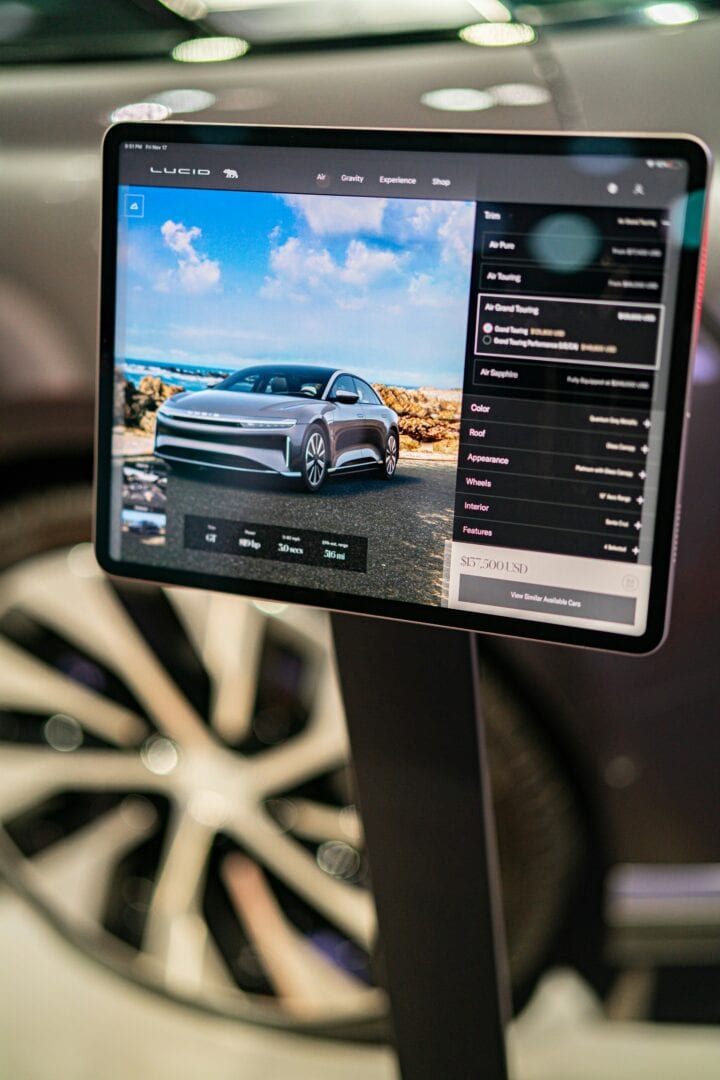
Traditional Kiosks usually use touchscreen computers, which take up more physical space. Unlike an iPad-based kiosk, these are harder to move around because of their weight. iPad kiosks, on the other hand, are light and portable. iPad kiosks can also be customized easily with certain management software, which can deploy the changes required to several devices at once, instead of having to manually update each machine.
Apple also provides features such as Guided Access, which can restrict a user from exiting the current application and going into other apps for a more controlled setup.
What happens when businesses deploy hundreds of iPads?
Deploying hundreds of iPads in a business requires a one-time setup using Mobile Device Management systems.
Mobile Device Management systems also play an important role in businesses using iPads, and admins can perform actions on hundreds of devices at once. Updating the software, managing applications, and troubleshooting fall under the MDM system, which allows employees to work more efficiently without having to worry about managing the device.
Administrators can configure how devices are set up, which applications or information an employee can access, and more. The complexity increases when these devices are distributed across several business locations, offices, and stores; however, they are still managed under one centralized system.
Apple launched Apple Business Manager earlier this year, offering even tighter integration within Apple platforms.
According to Apple, “Apple Business offers built-in mobile device management (MDM), facilitating a comprehensive view of an organisation’s Apple devices, settings, and more from a single interface. Previously available as a subscription within Apple Business Essentials in the U.S., Apple Business is designed to make IT easy — including for small businesses without dedicated IT resources. Apple Business includes new Blueprints to easily set up devices with preconfigured settings and apps, ensuring consistency and security and enabling zero-touch deployment for employees, so that new Apple products are ready to go out of the box
Apple Business includes options to purchase upgraded iCloud storage and support with AppleCare+ for Business, and a companion Apple Business app will allow employees to install apps for work, view colleague contact information, and request support while on the go.”
Visitor Management
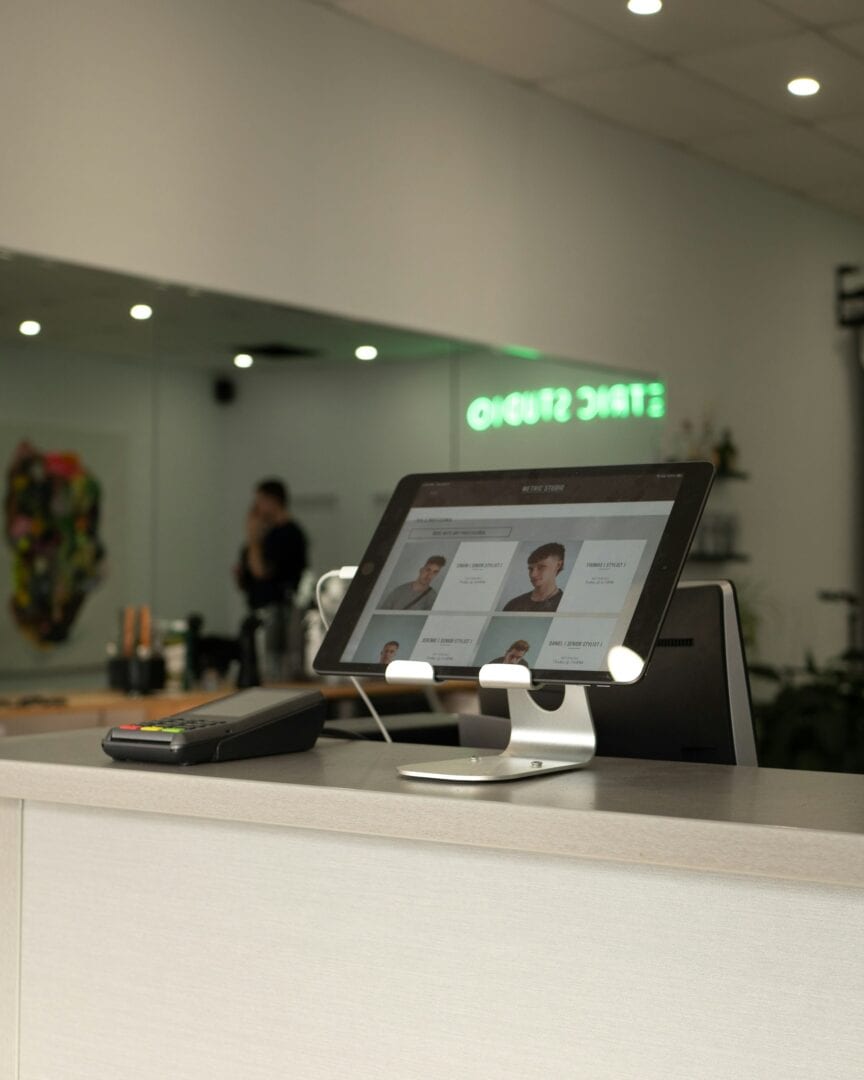
Using an iPad visitor management kiosk to book in clients or handle check-ins is an efficient way businesses can operate, reducing the requirement for in-person staff, whilst also keeping with modern technology. Using a digital platform also introduces the ability to quickly manage anomalies and to have detailed statistics at the touch of a button.
According to FacilityOS, this will “reduce wait times, eliminate manual entry, and create a consistent experience with self-service check-in kiosks. VisitorOS iPad kiosks improve the check-in process by combining sleek, pre-configured hardware with pre-installed software designed for your facility’s needs. Multiple kiosks can connect to a centralized cloud database, storing all visitor data in one secure location for easy access and real-time tracking. The iPads come with built-in security features, making them a safer and more reliable option than manual logbooks.“
Security
Using an iPad as a business tool comes with a very important perk: security. This is a fundamental responsibility whenever businesses deploy iPads or any device that can access company data. When a business uses an iPad or multiple iPads, they get the benefit of receiving regular iPadOS updates for years, which keep improving security as we move forward. iPadOS uses sandboxes for apps, so even if there’s a malicious app on your iPad, the system restricts that app from accessing any other files or information other than what’s already provided to the app by the user. Running a business means having the responsibility of protecting your data, and with iPadOS, that’s taken care of.
However, an unmanaged iPad used in a public environment could pose a risk to company data and operational information, and could be used to access unauthorized apps and files. A management tool could help maintain security with app updates, with employees only focusing on actual work rather than solving issues on the device or app.
Future developments
With the iPad becoming an integral part of daily business, is there potential for it to be improved further? Presently, devices used as a kiosk for things such as point of sale (POS) are currently unable to be used to accept payments natively due to a lack of an NFC chip.
However, with more advanced technology being added to the form factor of an iPad, the usability is set to gradually increase over time. That said, there will be situations where traditional computers and systems will be more convenient, but the iPad does a great job for what it is used for. The versatility of the iPad is becoming more valuable as businesses look towards reducing their dependency on expensive and less powerful computers that can only do a couple of tasks.
What makes the transition more interesting is that the iPad itself has not changed its identity over the years, but rather businesses have found new ways to utilize the hardware and software.
This article was commissioned by FacilityOS as a paid campaign.