







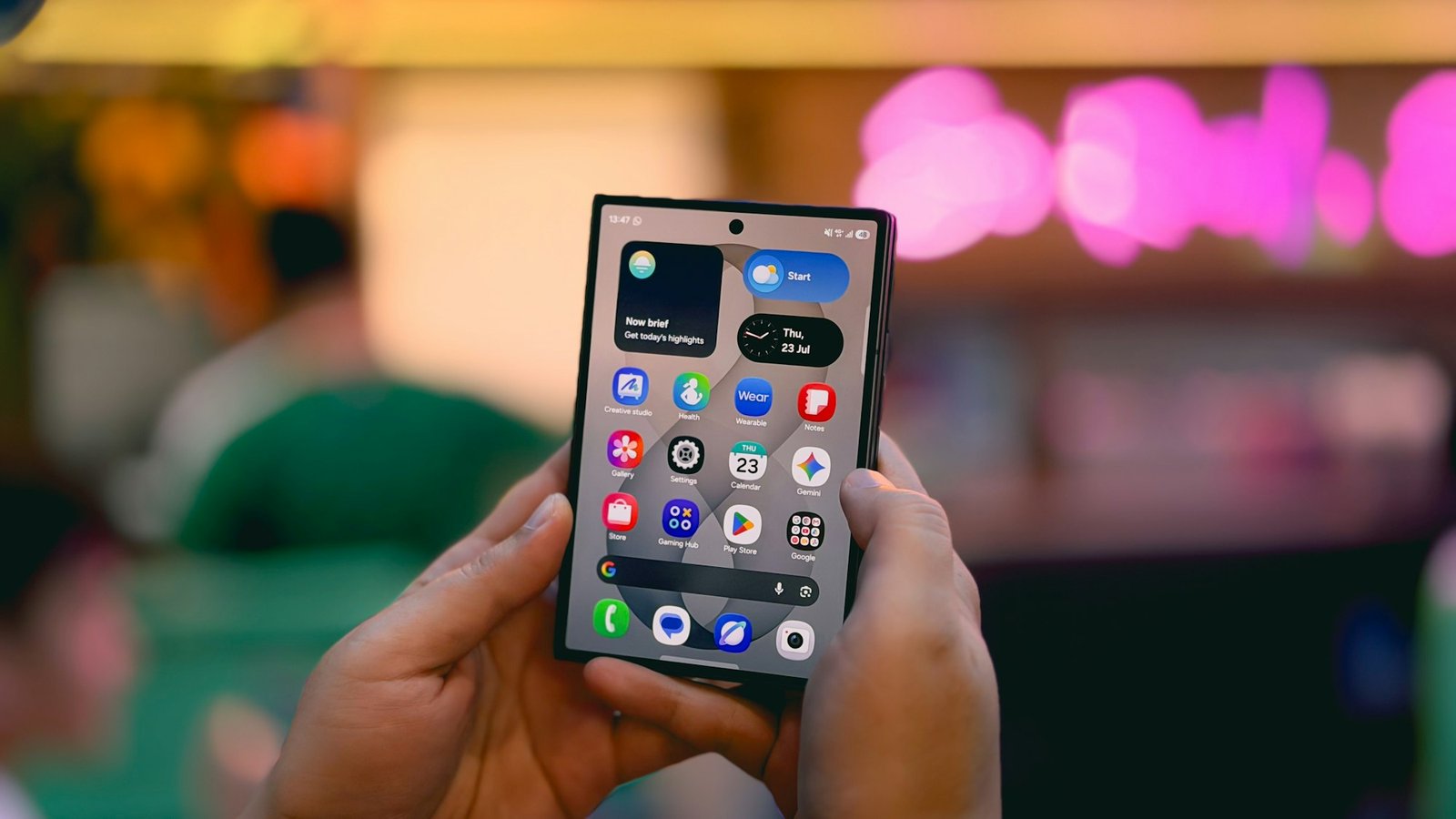
Samsung has opened the One UI 9.5 beta programme, giving Galaxy S26 owners an early look at its next major software update. It became available on November 17 in six countries: Germany, India, South Korea, Poland, the UK and the US.
If you own a Galaxy S26, S26+, or S26 Ultra in one of those markets, you can sign up through the Samsung Members app.
The update brings a native App Lock feature, better camera controls, and new Samsung Health tools. There are also accessibility improvements, a floating shortcut button, and a few smaller changes.
One UI 9.5 is still in beta, so some features may change before the stable release. But if you’re willing to put up with a few bugs, here’s what you can try now.
One UI 9 Rollout: S26 Ultra, Galaxy Phones + How to Update
Here’s how to download it and everything that’s new.
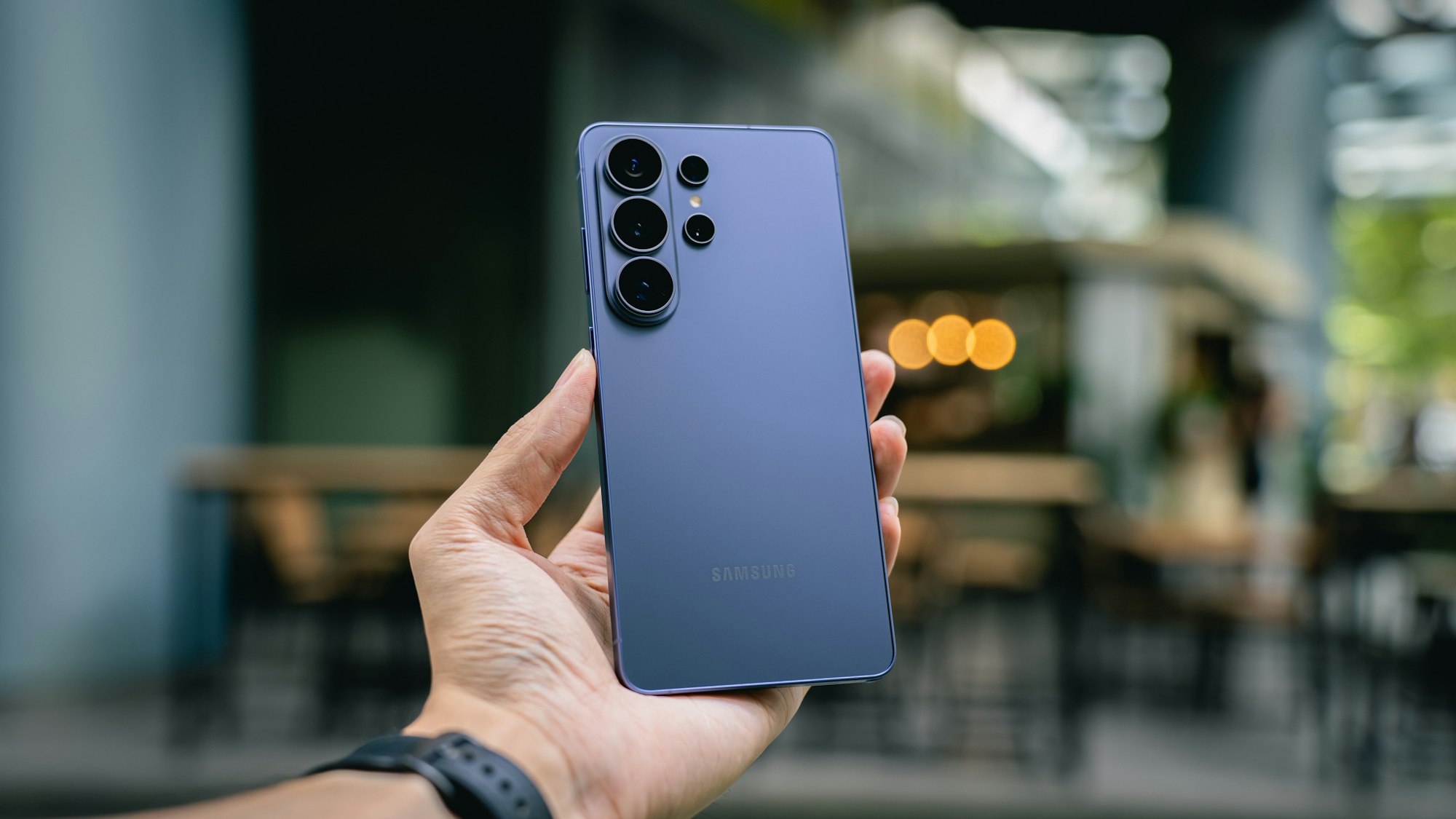
How to download and install the One UI 9.5 beta
First, check whether your phone is eligible. You need a Galaxy S26, S26+, or S26 Ultra, and you must be in Germany, India, South Korea, Poland, the UK, or the US.
Open the Samsung Members app and sign in with your Samsung account. Look for the One UI 9.5 beta banner or registration card, then complete the sign-up process.
Once registered, go to Settings > Software Update > Download and Install. The first beta build is roughly 3.5GB, so make sure you’re connected to Wi-Fi and have enough storage.
Back up your data before installing. Samsung recommends using Smart Switch on a PC or Mac.
If you decide to leave the beta, you’ll need to withdraw through Samsung Members and use Smart Switch on a computer to return to the stable software. This process requires a factory reset and removes data created during beta testing, so make sure your backup is ready.
Samsung One UI 9.5 features: App lock and privacy controls
App Lock is one of the biggest additions. Samsung now lets you lock individual apps using biometric authentication or your phone’s screen lock.
Once an app is locked, its notification content and widgets stay hidden. That means someone borrowing your phone won’t be able to read private messages or see information from those apps without unlocking them.
It could be a useful addition for anyone who shares their phone or simply wants more control over which apps other people can access.
One UI 9.5 camera updates: New Pro controls and zoom bar
The Camera app gets a redesigned control layout and an improved zoom bar. Key settings are now easier to reach from one screen, so you don’t have to keep digging through menus.
Enhanced Pro and Pro Video modes also get more customisation options. You can create your own buttons and presets, check focal-length and zoom information, and monitor shots with an improved histogram and audio meters.
These changes are aimed at people who prefer manual camera controls over simply pointing and shooting. However, the improvements don’t extend to Pro Lite and Pro Video Lite.
Subscribe for free to continue reading this article
Already have an account?
Log in