





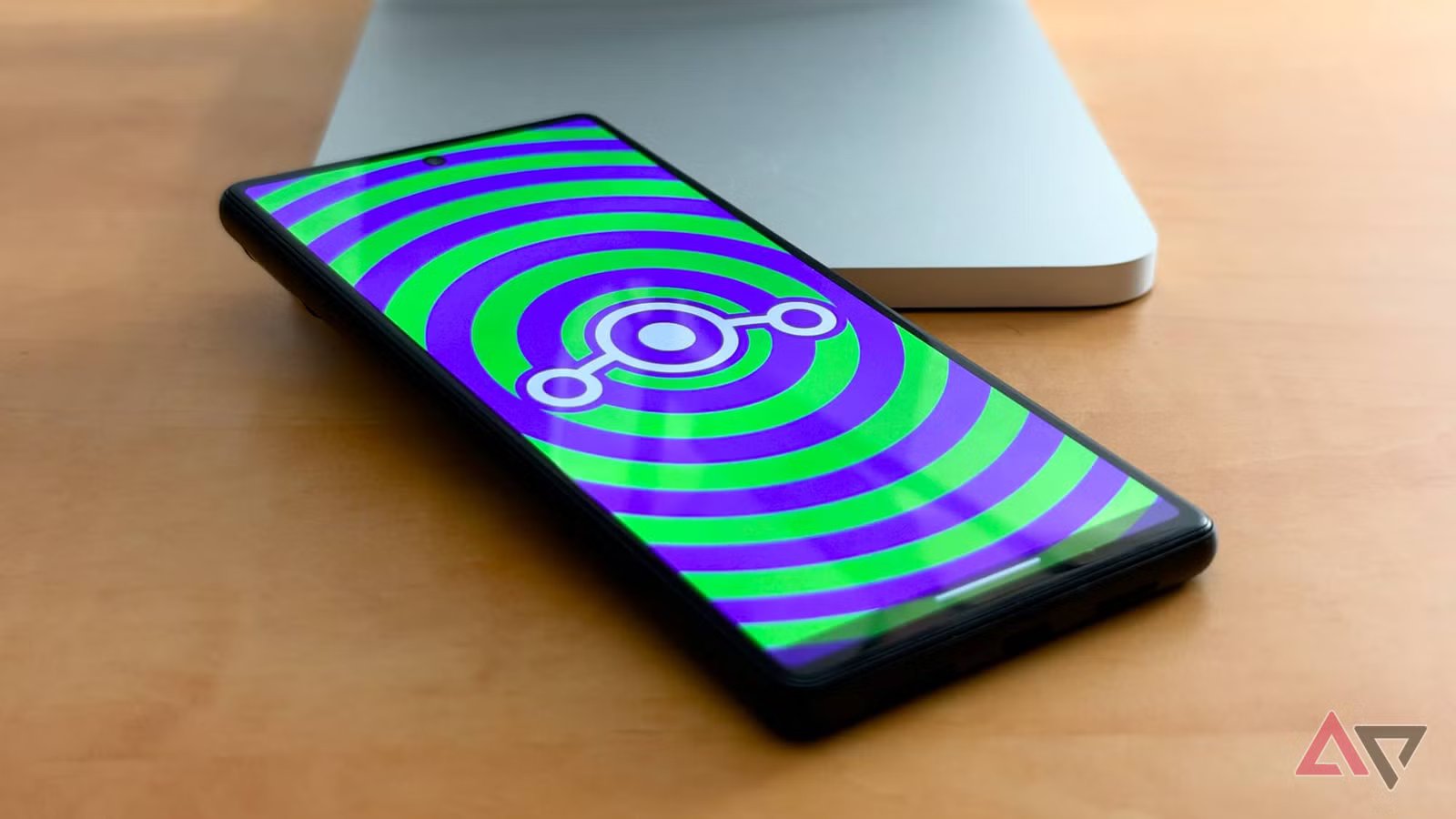
The sun is officially falling below the horizon for the Google Pixel 6, marking the end of formal Android updates for the first smartphone to be powered by Google’s Tensor chip.
To be fair, I was quite impressed when Google outpaced its already generous promises, taking it all the way to Android 17 when most of us expected the gig would be up at Android 15. But all good things must come to an end.
The Pixel 6 and Pixel 6 Pro are now effectively frozen in time, but the good news is that it’s not entirely over as long as the Android open source community exists.
Custom ROM developers like the LineageOS team are still willing to breathe life into the aging hardware — even if Google isn’t.
The 2026 reality check
What LineageOS can — and can’t — do for aging phones

While LineageOS can’t fix everything, flashing LineageOS 24.0 still gives the Pixel 6 a legitimate second life, as long as you’re willing to live with a few key limitations.
Chief among these is that you’ll need to make the usual Play Integrity trade-offs that come with any custom ROM. That means no Google Wallet support and possibly some challenges with other banking apps.
You also still won’t get firmware updates for the core hardware — only the Android OS. That means the Exynos 5123b modem, Mali GPU, Titan M2, and bootloader have received their final updates.
But that’s still better than what Google is offering for the Pixel 6, which has reached the end of the official road with the Android 17 QPR1 beta series.
You won’t get Pixel-specific features like Pixel Recorder transcription or Call Screen, but LineageOS already offers so much more than the stock Pixel OS in other areas that I consider that a fair tradeoff.
Since custom ROMs like LineageOS require an unlocked bootloader, they often cap video streaming at SD resolutions because they lack Widevine L1 DRM support. However, that’s not the case with the Pixel 6.
I was pleasantly surprised to find the hardware Widevine L1 certificate survived intact, since LineageOS 24.0 uses Google’s proprietary vendor binaries tied to the Tensor G1 and Titan M2 architecture.
This removes the most common barrier to playing DRM-protected titles, although it’s not the only one.
My purchased YouTube movies stream in full 1080p via the Tensor G1’s secure decoder just as well as on the stock Pixel OS, but mainstream apps like Disney+ and Netflix are a bit fussier about requiring locked-down devices; Netflix blocks sign-in, while Disney+ quietly throttles streams to 360p SD.
One final note of caution: If you use Google Workspace, be aware that LineageOS won’t pass strict device integrity policy checks.
That won’t be an issue for solo business owners or those with flexible IT policies, but larger organizations tend to lock these things down — especially those with BYOD policies.
Moving to LineageOS
A refreshingly unbloated yet modern design

While the process of flashing LineageOS onto a Pixel 6 still requires that you have a basic comfort level with Android tools like adb and fastboot, it’s not too difficult.
There’s a web installer now, but it’s still a bit clunky compared to other custom ROMs, so it’s best to follow the step-by-step instructions to install LineageOS on the Google Pixel 6.
The process should take less than 30 minutes, but unless you want to de-Googlify, you’ll need to download and install MindTheGapps separately when prompted to install add-ons in step 7.
However, if you’re not into Google’s services, you can skip that step and enjoy an even more clutter-free experience.
However, this will also omit the Play Store, so you’ll need to rely on F-Droid and other repositories for your apps, but that will leave you out of mainstream app categories that require even basic Play Integrity checks, like banking, food ordering, ride hailing, and streaming.
A smoother experience
LineageOS is lightweight enough to sail on the aging Tensor G1
Although Android 17 never exactly felt sluggish on my Pixel 6, LineageOS is smooth as glass by comparison.
Even MindTheGapps doesn’t add nearly as much bloat as stock Pixel OS, and the result is more available RAM and lower CPU overhead — which also means less heat.
Most folks don’t realize how much Android typically does in the background, thanks to the layers of features like Digital Wellbeing and Google’s Discover feed. LineageOS strips that cruft, leaving only the essentials.
Further, the stock apps on LineageOS are refreshingly simple yet elegant. The Twelve music player, Canvas editor, and Glimpse gallery use Material 3 Expressive designs, but aren’t weighed down by cloud services and background syncing.
Instead, they adopt a modern design with an old-school approach. Want to listen to music? Load in your MP3 (or FLAC) files. Similarly, the Gallery app just looks at a set of folders.
Still, you can install plenty of Android alternatives, either from F-Droid or the Play Store. Even Google Photos is still an option, as is the entire plethora of music streaming apps, from Apple Music to YouTube Music.
On top of that, OTA system updates fly in LineageOS, with new builds coming down and fully installing in less than five minutes — even on my aging Pixel 6.
Even banking apps that were a bit fussy on GrapheneOS work fine on LineageOS (as long as Play Services are installed).
The only serious tradeoff that could be a deal-breaker for some is Google Wallet. You can still use the app for things like loyalty cards and event tickets, but payment cards are off-limits on any custom ROM.
That may be less of an issue for folks in Europe, where banks roll their own tap-to-pay apps, but in North America, you’ll be left pulling out the plastic.
Is it worth taking the plunge?
The Google Pixel 6 may have seen its last official update, but it also hasn’t suddenly become unusable.
It will happily hum along on Android 17 QPR1 for a while, but you’ll also be taking security risks every time a new Android patch comes along.
Not only will the Pixel 6 miss those, but bad actors could use the release notes to build a shopping list of attacks to try against older devices.
That’s where LineageOS truly shines, at least for the higher-level Android operating system.
The project continually incorporates the latest Android Open Source Project (AOSP) fixes, even for devices abandoned by their manufacturers, giving you some protection against many vulnerabilities.
That said, it can’t do anything about proprietary firmware or kernel drivers. Vulnerabilities found in those will leave your Pixel 6 permanently open to exploits, so the time may come when even LineageOS can’t keep you safe.
But for now, it’s a good way to keep a Pixel 6 up to speed, as long as you’re willing to live with a few trade-offs.