






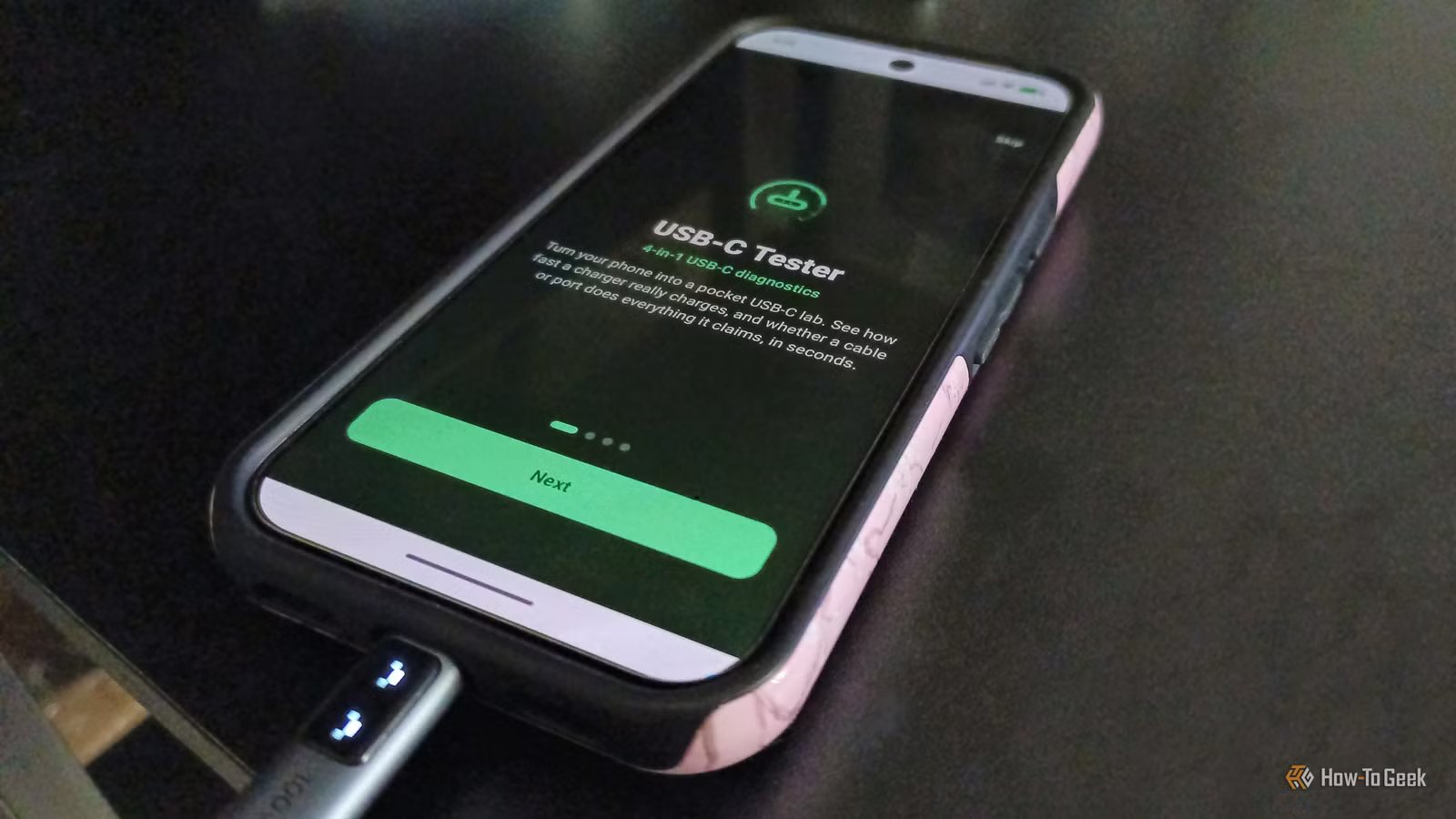
All USB-C cables look the same, but they don’t all have the same specifications. Alas, because there is no way to tell one Type-C cable from another. You cannot take one glance at a cable and know its USB version, or power rating, but I found an Android app that can do so. This clears up a lot of confusion that commonly arises when looking at a bunch of Type-C cables, such as questions about proprietary fast charging standards and data transfer support.
There’s an app for that
Free to use

Using an Android app makes it much easier, as opposed to buying a USB cable tester. But the best part is that an app is a free download as opposed to a tester, which has to be purchased. There are quite a few USB-C testing apps on the Google Play Store. From the ones that I tried, I liked USB-C Tester: Cable & Charger the most. It throws a lot of information at the user, but everything is sorted and arranged legibly. Unlike other such apps, it doesn’t bombard you with a million ads every few seconds. It is a lightweight 5MB install that works on Android 9 and above. The developer updates the app frequently, with the latest update released on November 4, 2026.
USB-C Tester performs several useful tests, some of which are done in real time. Using it is no head-scratcher. Install it from the Play Store and grant it the necessary permissions, such as notifications and network access. Simply plug a Type-C cable into a power source and your phone, and the app starts reading the wattage, voltage, and amperage. The app sends a notification based on the alerts you choose to receive in the app, such as overheating or overvoltage alerts. You can save your charging performance benchmarks and charge logs in the app, with an option to sync this data to the cloud. Diagnostic reports can also be exported in CSV or PDF file formats.
Breaking down the app’s capabilities
Do the most with USB-C Tester: Cable & Charger
The USB-C Tester: Cable & Charger app is divided into four main tabs that sit at the bottom of the app at all times. The first tab is the live meter, and it is also the homepage of the app. This is where you can observe real-time values for voltage, amperage, wattage, impedance, and battery health in explicit detail. The live meter tab also features real-time oscilloscope telemetry for in-depth data on voltage over time. If you’re an engineering student or professional, this will be really cool to read and interpret. You can also record benchmark sessions to keep detailed diagnostic telemetry logs.
The second tab of the app is what helps decipher the specs of the USB-C cable that’s charging your phone. This section is called cable test, and it does exactly that. You can run benchmarks that reveal all the key details about the Type-C cable. It checks the wire for things like e-marker chips, Power Delivery, Qualcomm Quick Charge, and charging protocols such as PPS charging and Samsung and Apple’s fast charging protocols. Next time you’re unsure whether a USB cable is compatible with your smartphone brand’s top charging capability, test it for charging protocols using this app. The app details voltage and amperage for the charging protocols as well, in case you need the numerical values. You get access to a cable matching assistant based on the data logged, and it’s easy to identify whether a cable is malfunctioning, broken, or damaged.
Finally, the last two tabs are the dashboard logs and alerts & settings sections. These tabs help you record, save, and share all the data that the tools from the first two tabs log. Not only can you export diagnostics reports in various formats, but you can also gauge the overall heat, efficiency, energy, and battery degradation levels of your phone. This is done based on all the cumulative data, and you can delete certain benchmark sessions to exclude them from this macro if you want.
Alerts & settings include notifications for overheating, irregular flow of power, issues with the cable (or charger) plugged in, battery health degradation, and high resistance. This section of the app allows users to customize the thermal threshold of the device. If a charging cable passes this custom temperature threshold, you get a notification, transforming the data collected by the app into actionable metrics.
Similar USB-C testing apps are available on other platforms too
While this exact app is not available on other platforms, you can easily find alternatives from other developers. If you’re on iOS and looking for something similar, WattCheck is a similar app found on the Apple App Store. For desktop users, WhatCable is a brilliant Mac application that delivers the same features. Meanwhile, Windows users can use USB Device Tree Viewer to analyze their USB cables.