








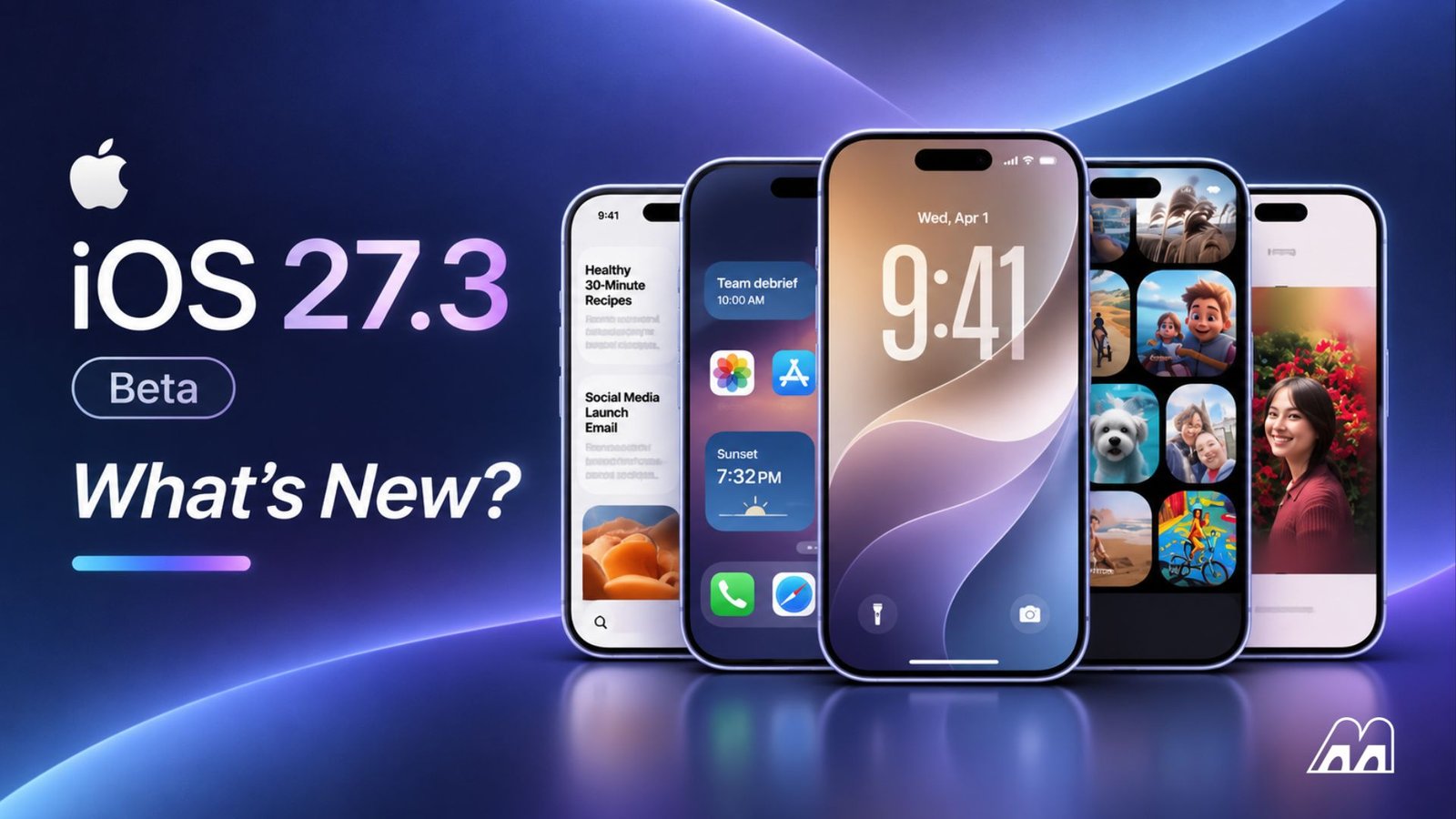
Every time Apple ships a new beta, news sites tend to list a long string of features, but few of them answer the question users actually care about: will my phone get it?
With iOS 27.3, the answer is more complicated than usual. The update will install on every iPhone from the iPhone 11 onward when it officially ships in December, but its biggest feature, the redesigned Health app, only runs on iPhones with Apple Intelligence, Apple’s suite of AI features, so the iPhone 15, iPhone 15 Plus and older models won’t get it.
In this article, I’ll go through each group of features in the first two betas, along with the iPhones that get them, so you know ahead of time what will change on your iPhone in December.
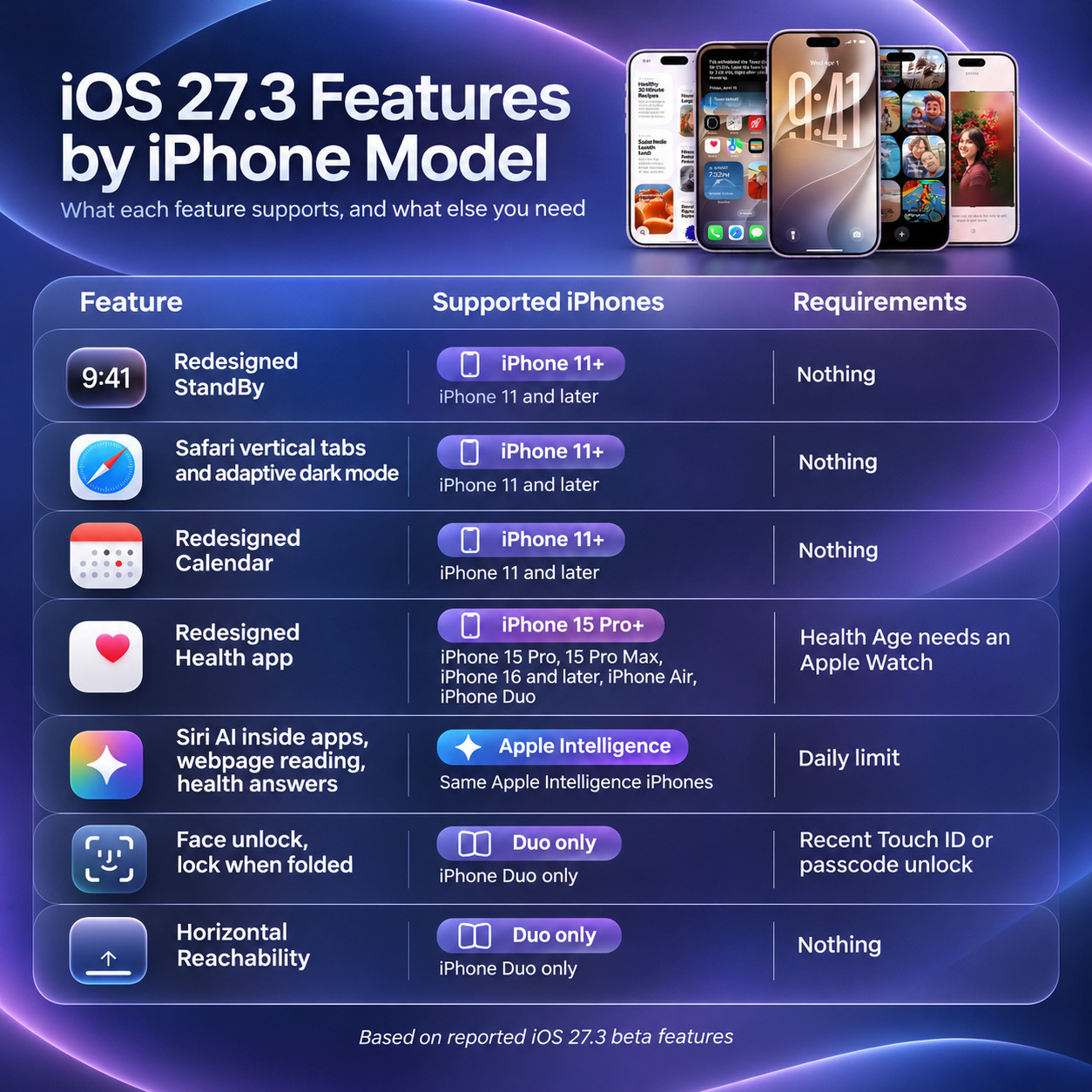
| iOS 27.3 feature | iPhones that get it | What else do you need? |
| Redesigned StandBy | iPhone 11 and later | Nothing |
| Safari vertical tabs and adaptive dark mode | iPhone 11 and later | Nothing |
| Redesigned Calendar | iPhone 11 and later | Nothing |
| Redesigned Health app | iPhone 15 Pro, 15 Pro Max, iPhone 16 and later, iPhone Air, iPhone Duo | Health Age needs an Apple Watch |
| Siri AI working inside apps, reading webpages, answering health questions | The same Apple Intelligence iPhones | Daily limit |
| Face unlock, lock when folded | iPhone Duo only | A recent Touch ID or passcode unlock |
| Horizontal Reachability | iPhone Duo only | Nothing |
What Will Every iPhone From the iPhone 11 Onward Get?
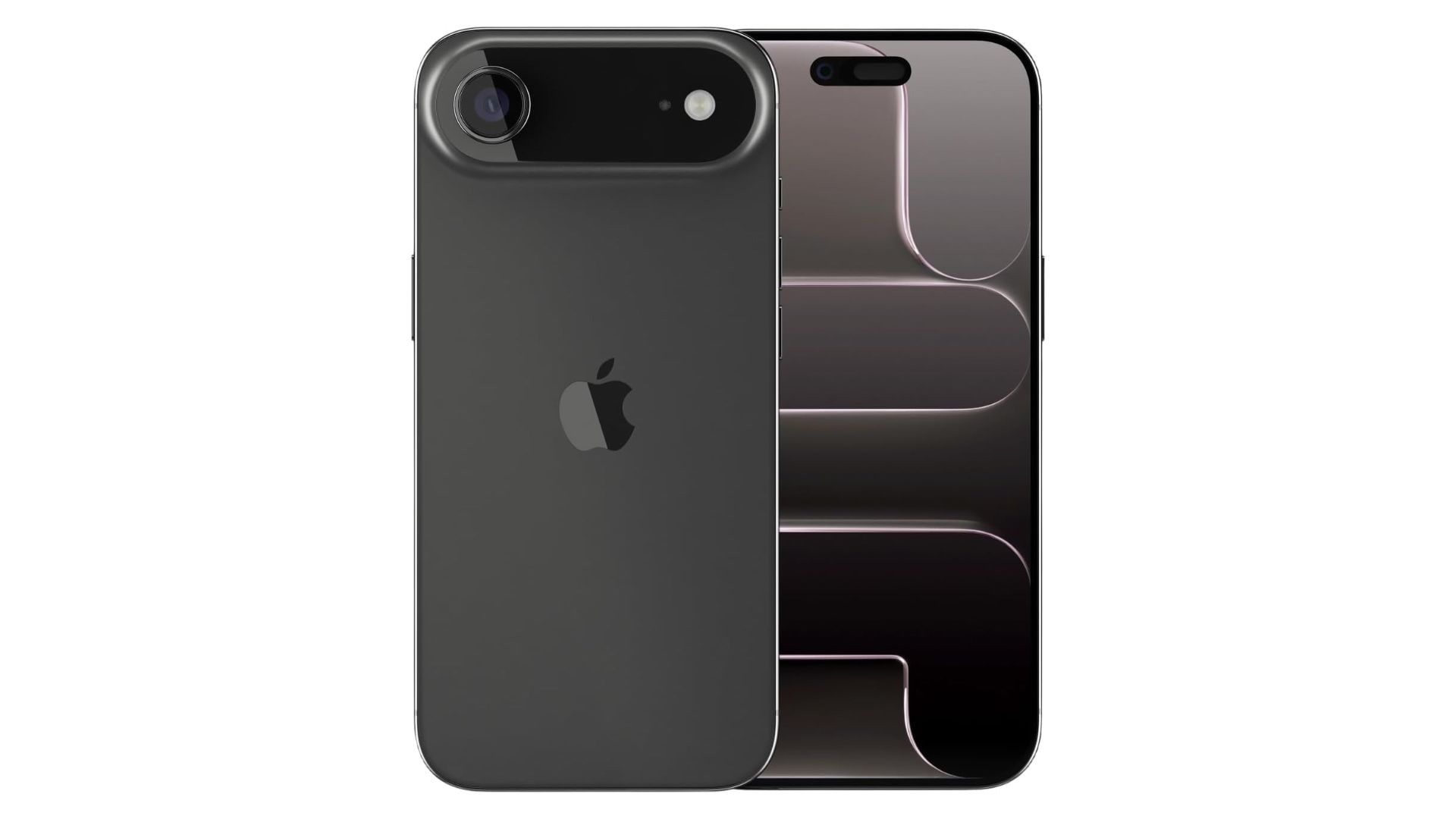
iPhone Air
Overview
- 6.5-inch Super Retina XDR display supports 120Hz ProMotion
- A19 Pro chip delivers powerful flagship performance
- 48MP Fusion camera captures detailed photos with 2x zoom
See latest price on Amazon
The most visible change for older iPhones is StandBy. If you’ve never used it, StandBy is the mode that turns your iPhone into a bedside clock when you set it on its side to charge.
In iOS 27.3, Apple brings the analog and digital clock faces originally made for the iPhone Duo to every iPhone that can run the update, along with new Calendar and Weather faces, custom colors, small information tiles around the clock face, and the option to save several styles and swipe between them. One thing to know is that on iPhones without an always-on display, StandBy still turns off after a while, so the new faces are worth more on models that can keep the screen lit all night.
On top of that, Safari gets vertical tabs and a dark mode that adjusts to each website. The Calendar app is redesigned in the second beta, with its main buttons moved to the bottom of the screen, right where your thumb already rests. The Apple TV app also adds a video podcasts section.
Overall, Apple is changing quite a lot about the interface of its core apps, and that will create a completely new experience for Apple users.
Why Is the New Health App So Picky About Hardware?
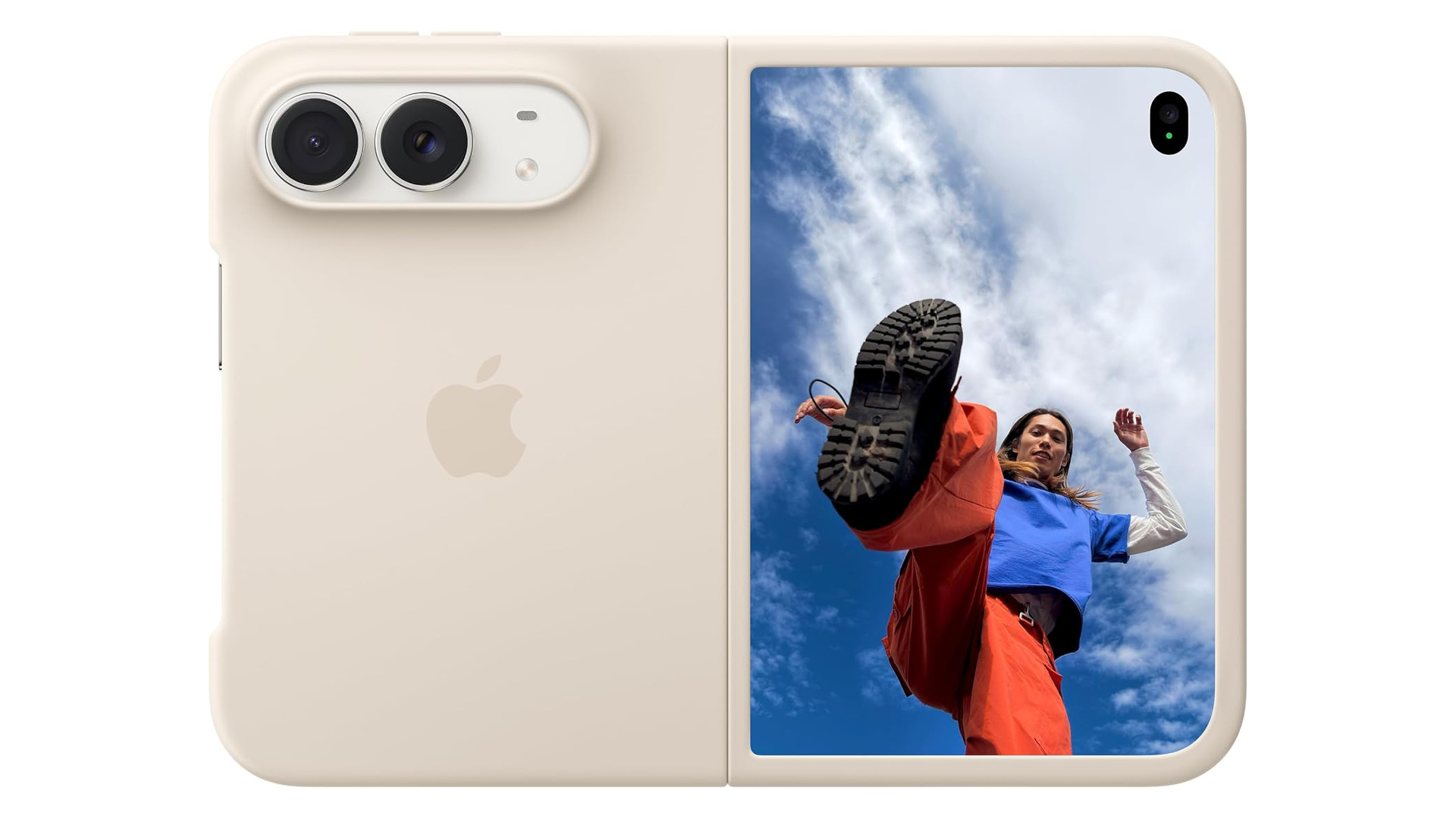
Apple iPhone Duo Case
Overview
- Designed by Apple to complement iPhone Duo
- With built-in magnets that align perfectly with iPhone Duo
- Set it on a Qi2 25W or Qi-certified charger
See latest price on Amazon
The redesigned Health app is the headline feature of iOS 27.3, and also the pickiest about hardware. According to Apple’s newsroom post, the app uses Apple Intelligence to turn your health data into specific suggestions and health advice for you.
However, one weakness is that it only runs on devices that support Apple Intelligence:
- iPhone 15 Pro
- iPhone 15 Pro Max
- iPhone 16 models and later
- iPhone Air and iPhone Duo
If you’re using a standard iPhone 15, an iPhone 15 Plus or an older model, you can still install iOS 27.3, but your Health app won’t change at all.
Even if your phone qualifies, two features still need an accessory.
Health Age, Apple’s estimate of whether your body is “younger” or “older” than your real age, requires an Apple Watch.
The at-home VO2 max test, a measure of how good your cardio endurance is, needs an Apple Watch, AirPods Pro 3 or a heart rate monitor from another brand.
One more note: Apple previously put this same redesign into iOS 27.2 and pulled it before release, so the December date will most likely hold this time, but it isn’t completely certain.
Siri AI Gets Smarter, but Now Has Daily Limits
Siri AI is Apple’s new AI-powered version of Siri, and in iOS 27.3 it learns quite a few new things. Since the first beta, Siri AI has been able to take actions directly inside apps such as Calendar, Journal, Messages and Music, and it now supports Vietnamese along with Traditional Chinese, Turkish and Norwegian (the developer-facing changes in this beta are in our article on Siri AI in the first iOS 27.3 beta). In the second beta, Siri AI can read the entire webpage you have open in Safari to answer questions about it, and it can also answer health-related questions.
Yet this same beta is also the first to show users that Siri AI has limits. According to Apple’s support document, each iPhone, iPad and Mac gets its own daily allowance for heavy AI features such as Siri AI, Clean Up (removing objects from photos), Image Playground (creating images) and the server-based AI models in the Shortcuts app, and that allowance resets around midnight in your time zone. Once you hit the limit, simple requests such as timers or alarms keep working as usual. To use more, you have to buy a paid iCloud+ plan, although Apple doesn’t apply this higher allowance to Siri AI in the UK, Brazil, South Korea or the EU, where Siri AI isn’t even available on the iPhone yet.
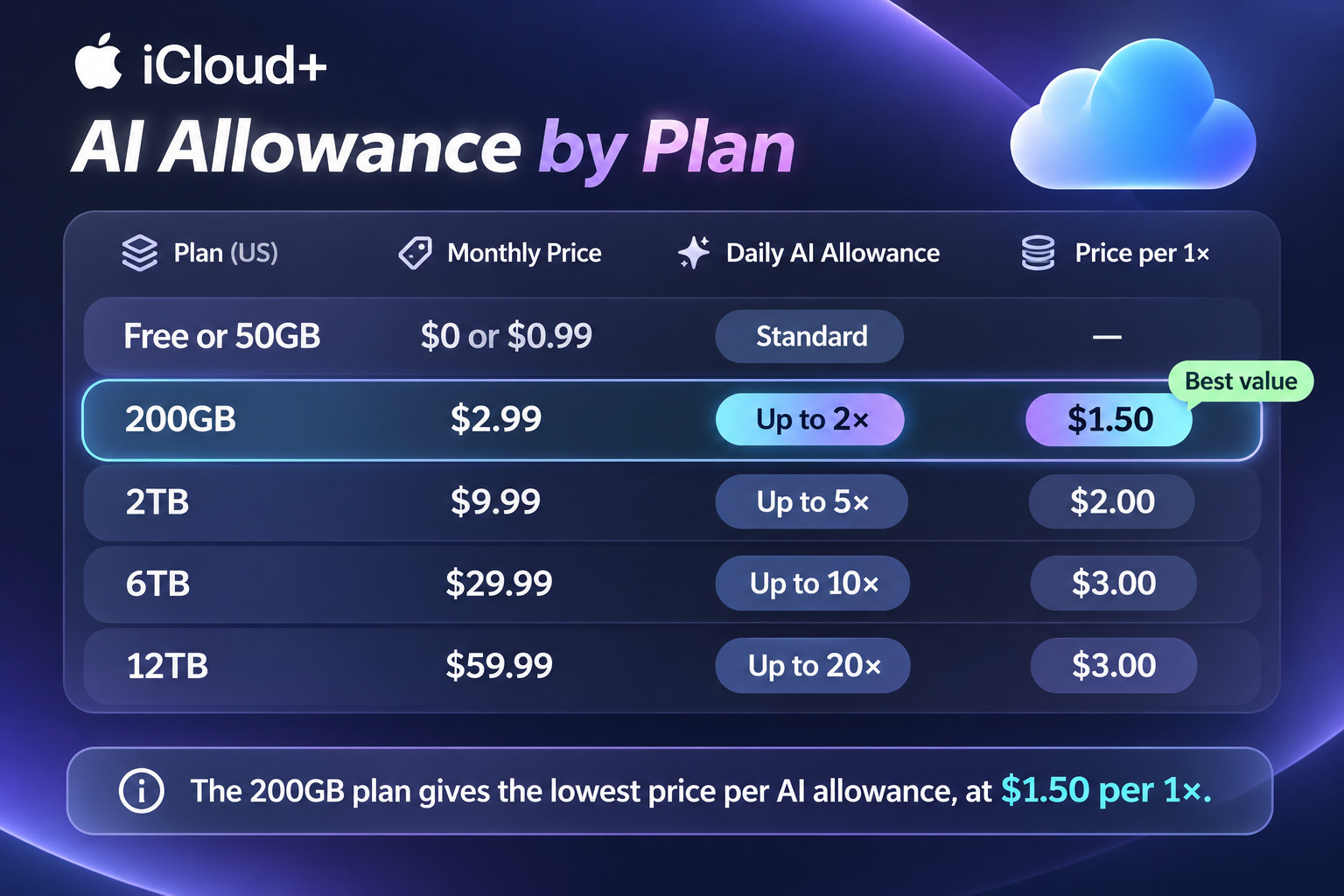
So which plan is worth the money? I took the US price of each plan and divided it by the allowance it gives you, and the result is pretty surprising:
| iCloud+ plan (US) | Monthly price | Daily AI allowance | Price per 1x of the standard allowance |
| Free or 50GB | $0 or $0.99 | Standard | Not applicable |
| 200GB | $2.99 | Up to 2x | $1.50 |
| 2TB | $9.99 | Up to 5x | $2.00 |
| 6TB | $29.99 | Up to 10x | $3.00 |
| 12TB | $59.99 | Up to 20x | $3.00 |
The cheapest plan that raises the limit, the 200GB plan, is also the one with the lowest price per multiple of the allowance, at only half the rate of the two most expensive plans. As for the 50GB plan, even though you’re paying for it, you don’t get any extra allowance at all.
What Does the iPhone Duo Get?
As Apple’s newest hardware, the iPhone Duo gets the most features in this update. The most notable is Unlock with Front Camera in beta 2, which lets you unlock with your face through the camera on the outer display. That said, the feature is fairly limited: it only works while the phone is folded, only runs if you’ve recently unlocked with your fingerprint (Touch ID) or passcode, and can’t be used to pay with Apple Pay or fill in passwords. I covered this in detail in our breakdown of how iPhone Duo face unlock works and where Apple still requires Touch ID. The phone also gets an option to lock itself the moment you fold it shut, plus horizontal Reachability, which pulls content toward one edge of the outer screen so you can tap it with one thumb.
The app situation for the Duo is changing very quickly. Greg Joswiak, Apple’s marketing chief, posted on X that more than 200,000 apps are now optimized for the iPhone Duo, double the “well over 100,000” figure Apple gave on November 6. “Optimized” here means the app has been rebuilt with the latest developer tools for iOS 27.1, which teach it how to fill the inner display and place its toolbars correctly. I worked out that over those 10 days, an average of about 10,000 apps were updated per day. That sounds like a lot, but Apple hasn’t said how many popular apps are in that number, so before you count on a specific app, you should still check whether its App Store page carries the “Made for iPhone Duo” badge.
If You Use an iPhone 15, This Is a StandBy Update, Not a Health Update
After reading through the whole feature list, I see iOS 27.3 splitting iPhone owners into three groups, and only one of them actually gets the update Apple is promoting. If you use a standard iPhone 15 or an older model, this December you’ll get the new StandBy, vertical tabs in Safari and the redesigned Calendar app, but no new Health app and no Siri AI. So there’s no need to change your iCloud plan.
If your phone does have Apple Intelligence and you start seeing limit warnings, my advice is to try the 200GB plan first, since at $2.99 a month each multiple of the standard allowance costs only about $1.50, half the rate of the 6TB and 12TB plans. Don’t buy the 50GB plan hoping for more AI usage, because it adds nothing. That said, this advice depends on a number Apple hasn’t published, which is how big the free daily allowance is. If that allowance turns out to be generous enough for normal use, most people won’t need to pay a cent more.
FAQs
When will iOS 27.3 be released?
Apple says iOS 27.3 will be officially released in December 2026. The second developer beta came out on November 16, but Apple hasn’t announced a specific release date.
Which iPhones get the new Health app in iOS 27.3?
The new Health app requires an iPhone with Apple Intelligence: the iPhone 15 Pro, iPhone 15 Pro Max, iPhone 16 models and later, iPhone Air and iPhone Duo. The iPhone 15, iPhone 15 Plus and older models keep the current Health app.
Does iPhone Duo face unlock work with Apple Pay?
No. The feature only unlocks the phone while it’s folded, and Apple Pay, saved passwords and app sign-ins still require Touch ID or the passcode.
Do I need to buy iCloud+ to use Siri AI in iOS 27.3?
No. Every device gets a free daily Siri AI allowance, and basic requests keep working after you’ve used it up. iCloud+ plans of 200GB and above raise the allowance by 2x to 20x, while the 50GB plan doesn’t.